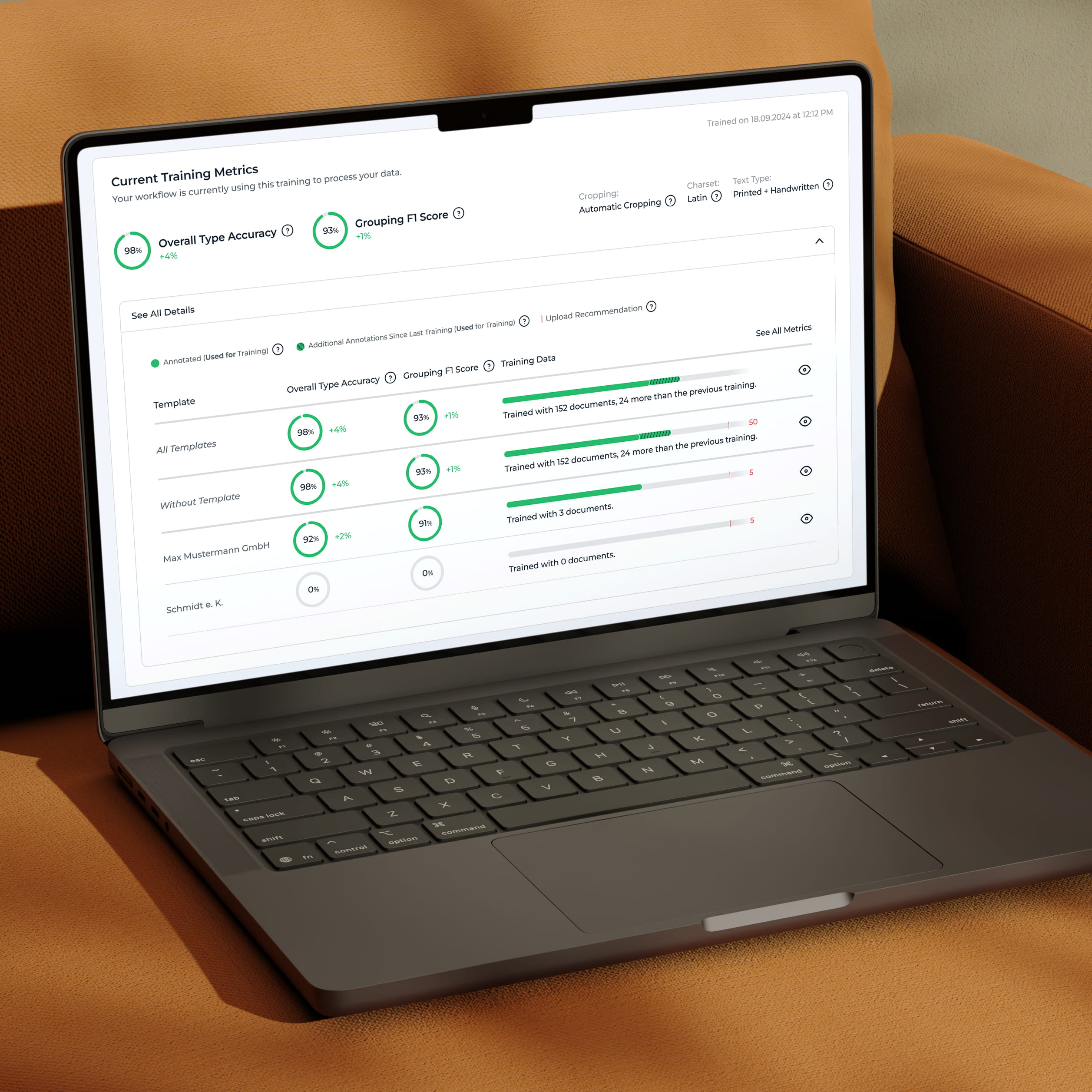
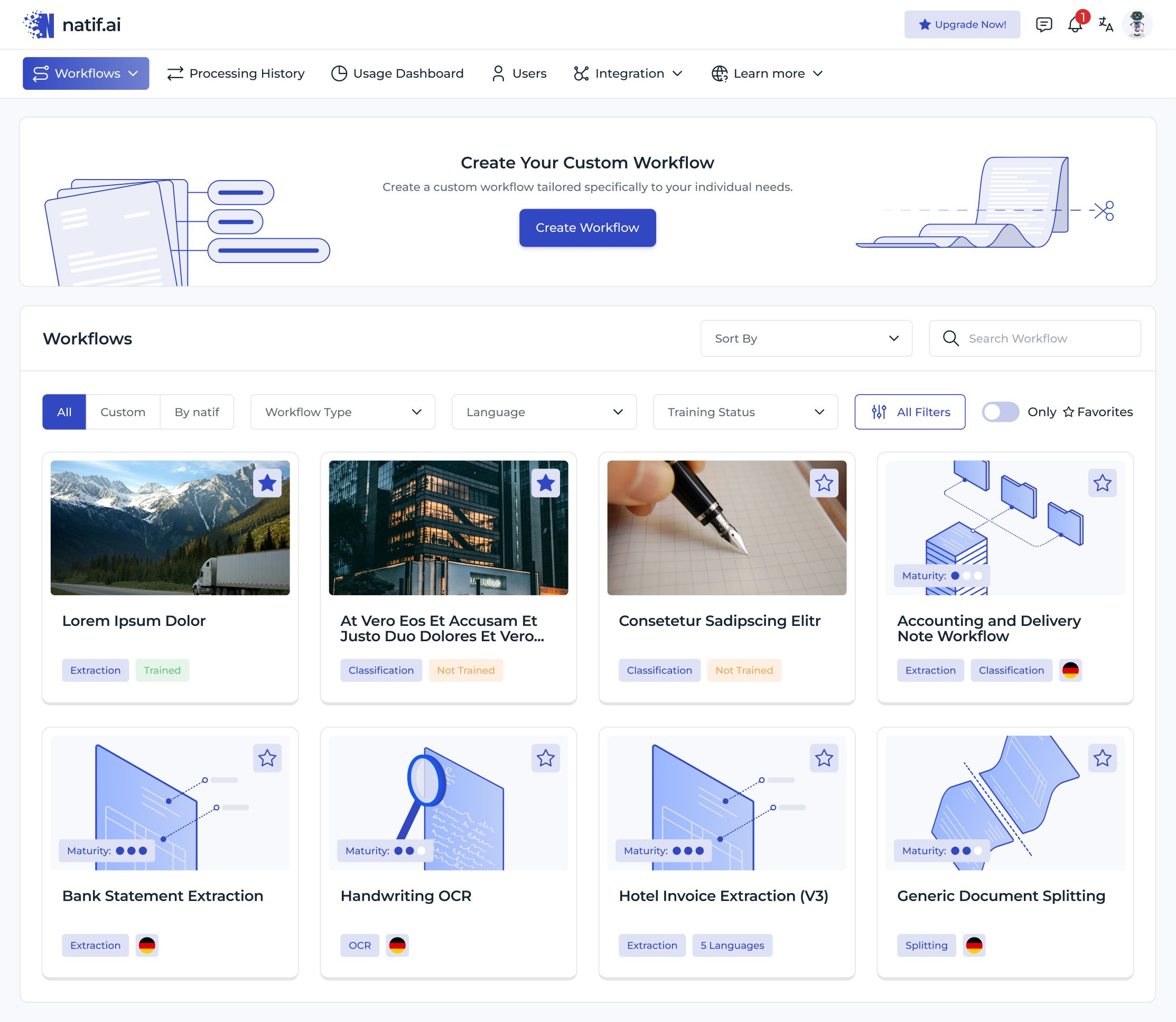
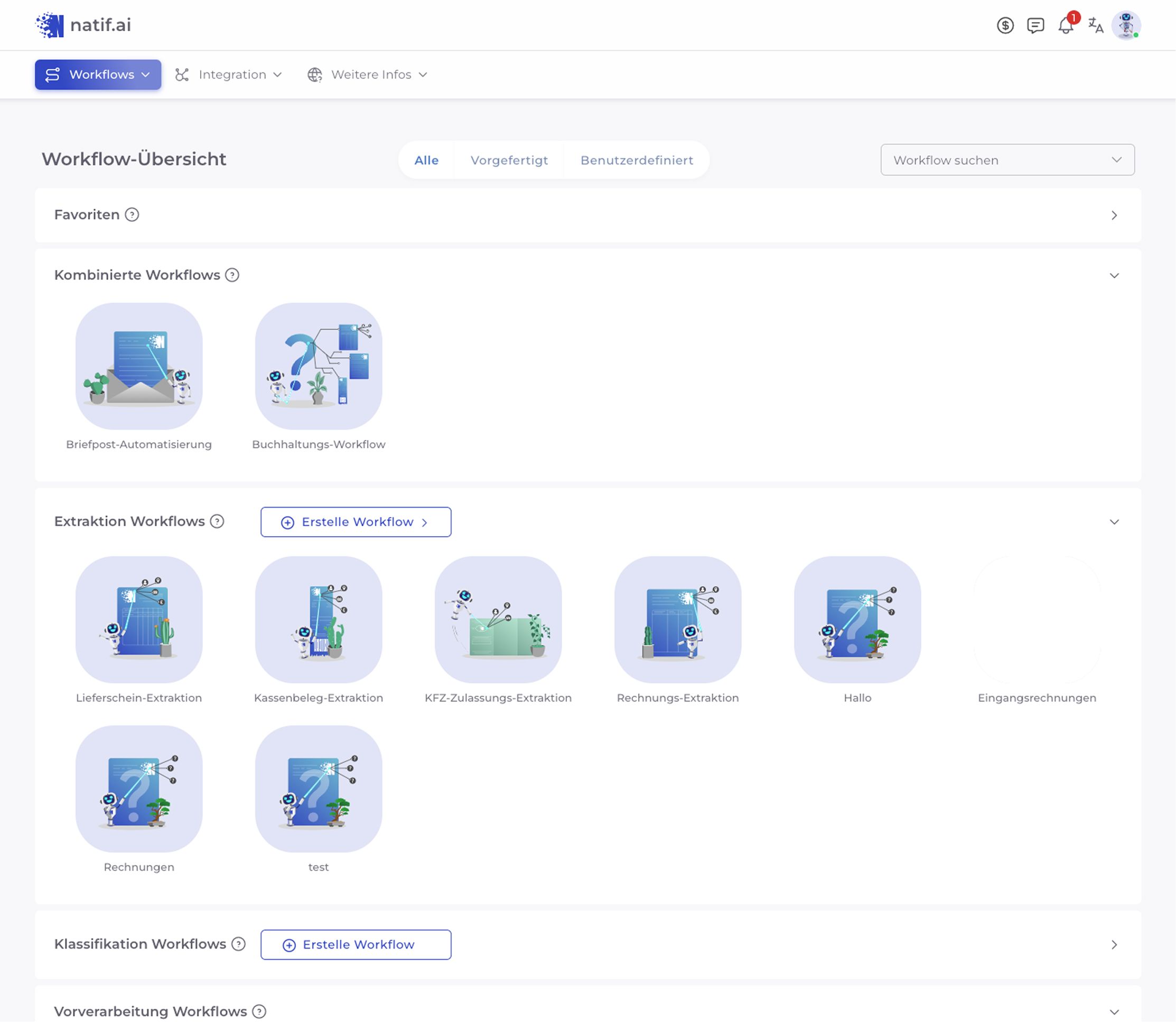
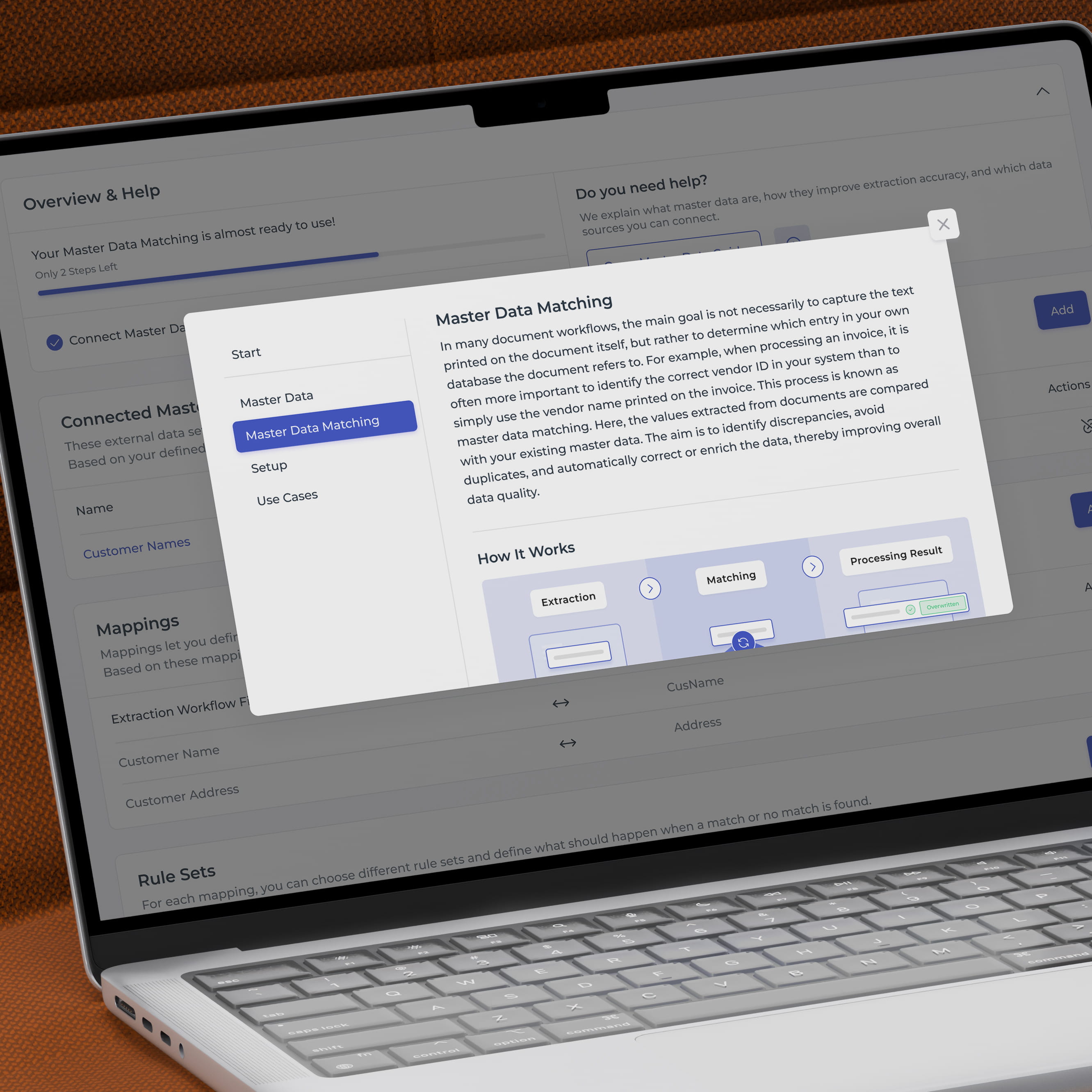
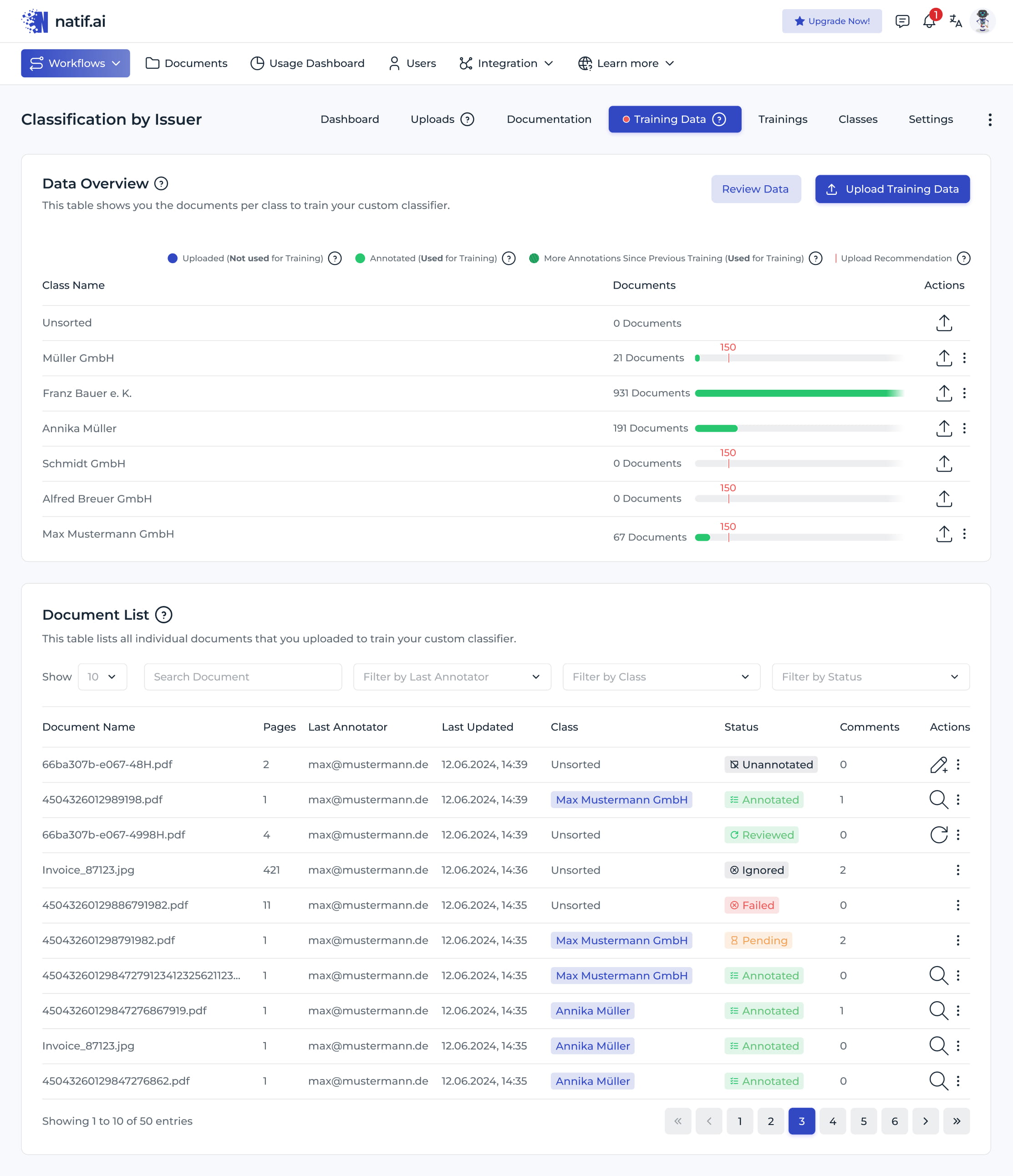
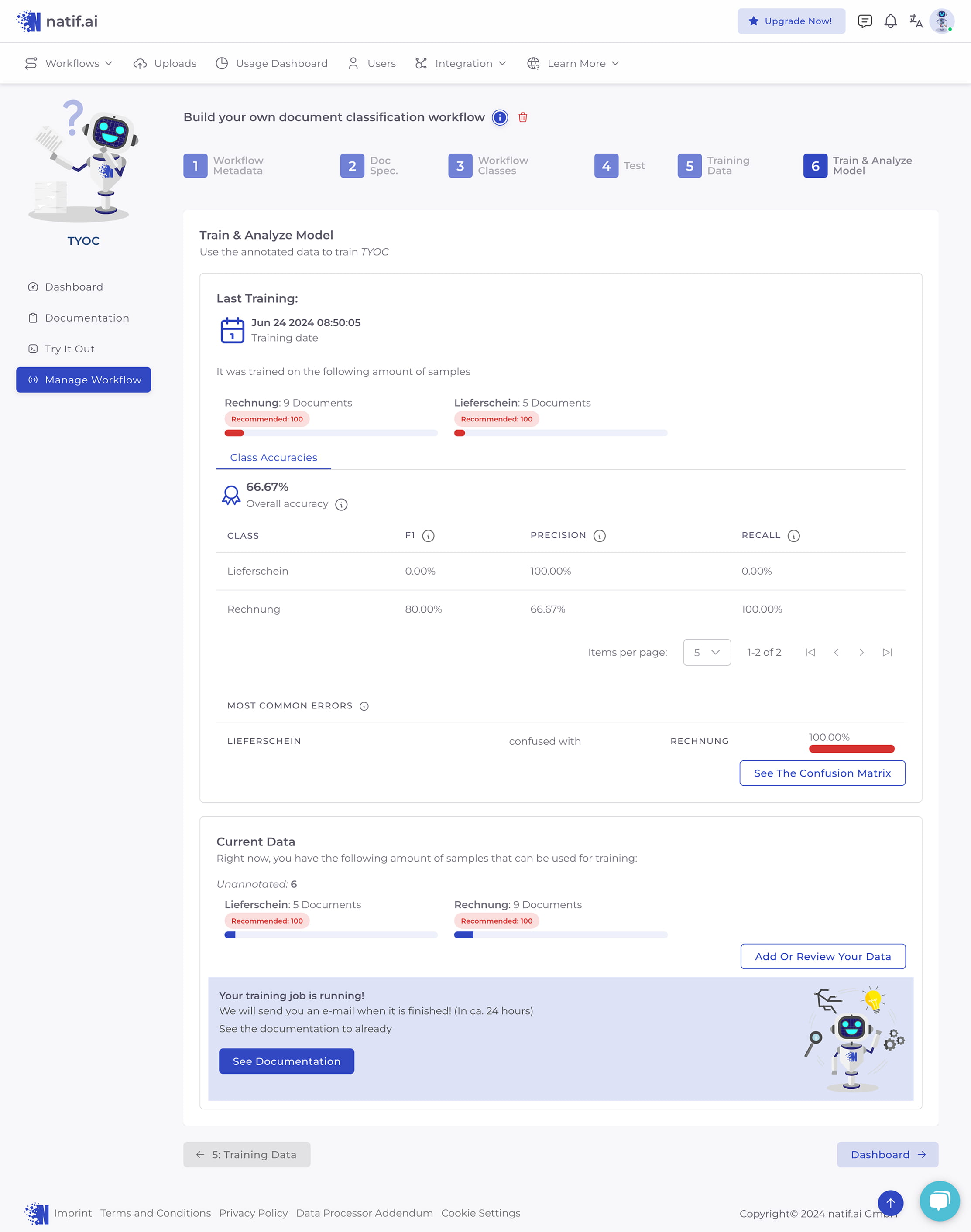
Weak hierarchy making onboarding and core workflows difficult to understand
Redesign focused on clarity, scalability, and faster time to value
Research
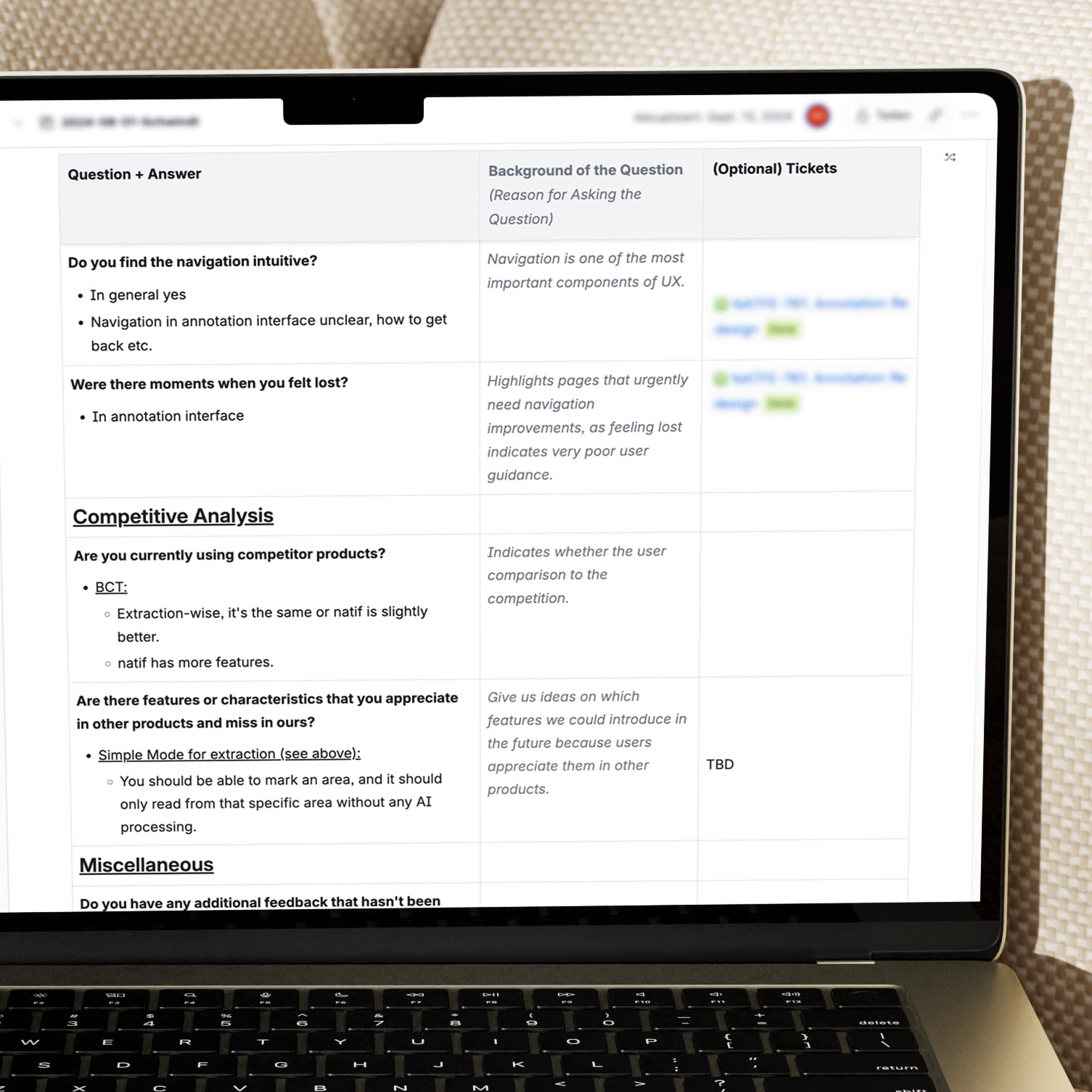
Customer interviews to uncover real friction across key workflows
Competitive analysis to understand established patterns and opportunities
Priorities driven by observed user problems rather than assumptions
Press and hold to see the before
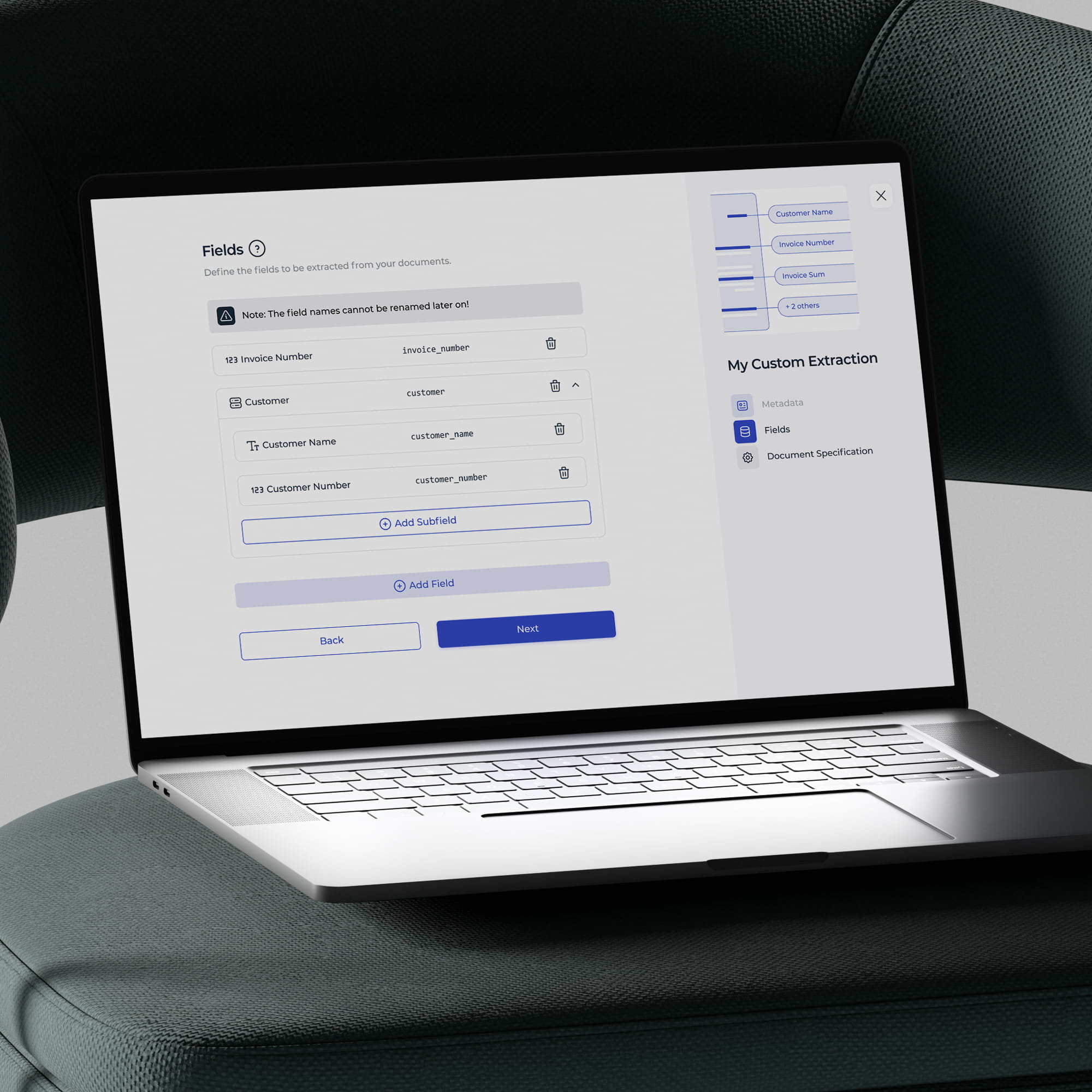
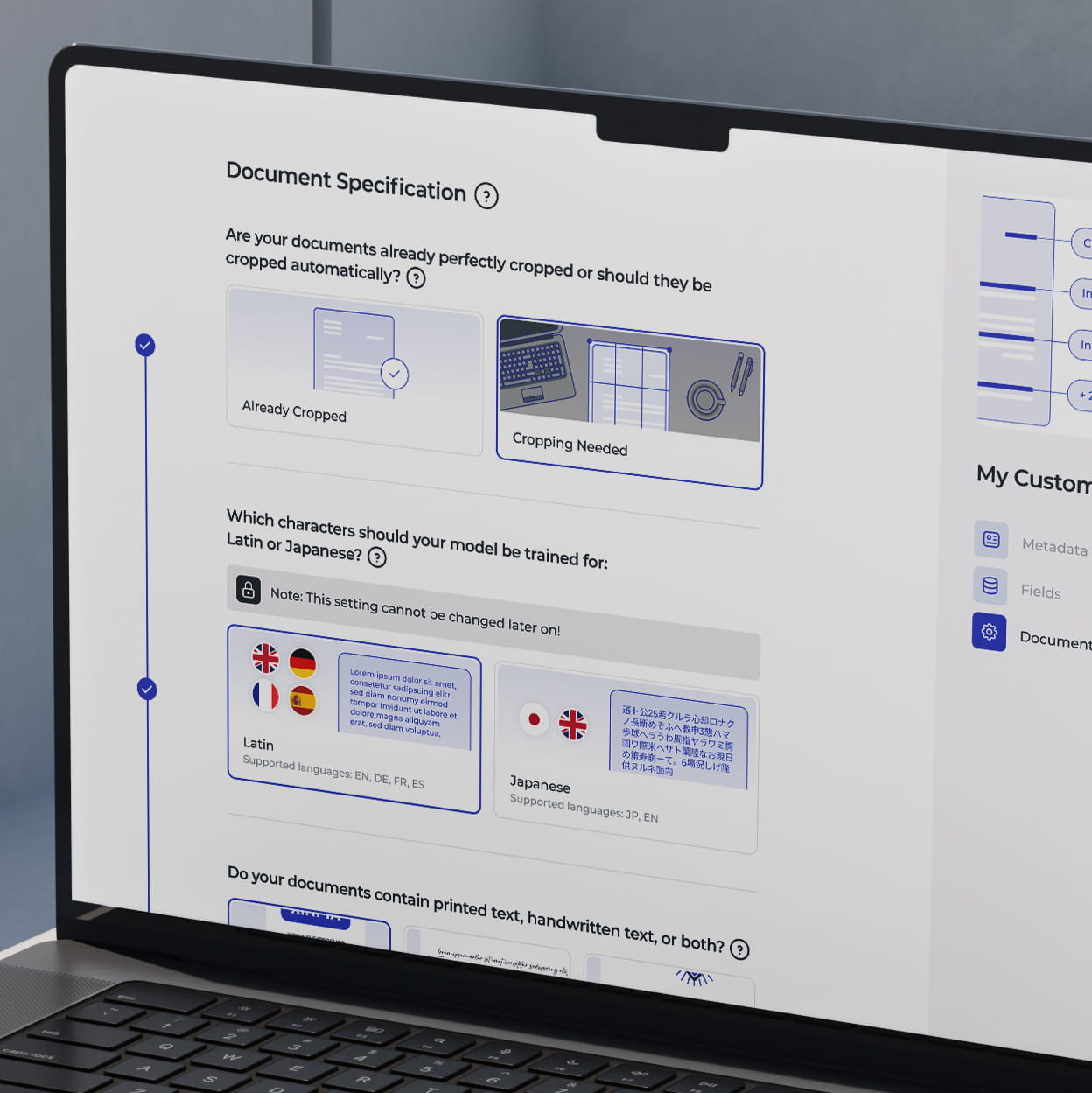
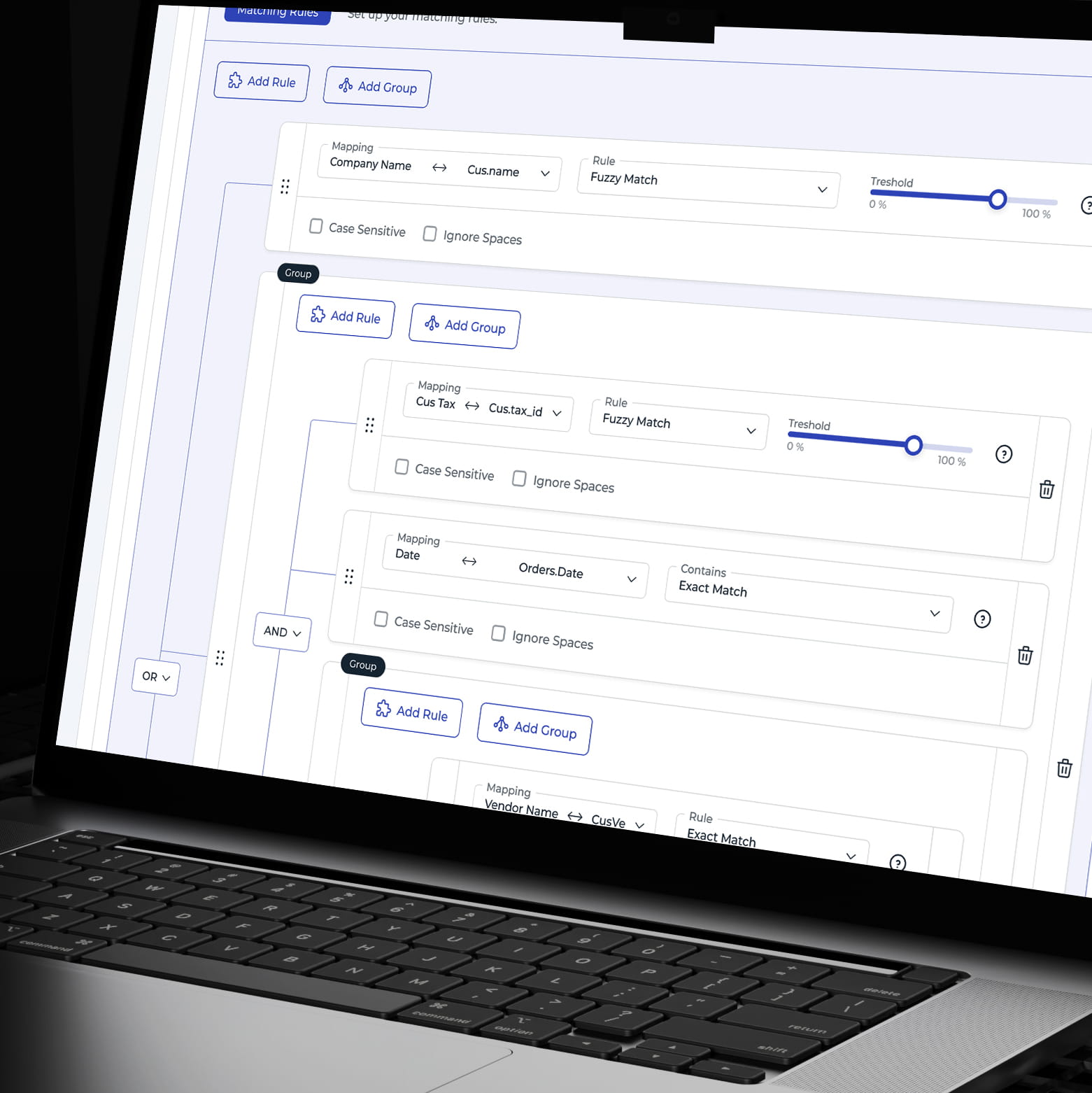
Progressive disclosure
Complex configuration broken into clear levels and decisions
Advanced options revealed only when relevant
Lower cognitive load without removing flexibility for expert users
Optional Settings
Interpretation Rule for Incomplete Dates
Can it happen that date values are incomplete in your documents (e.g. “12 June” without a year)?
No, Always Complete (Default)Answer
No, Always Complete (Default)
Yes, Can Be Incomplete
Yes, Can Be Partial
What might be missing?
Year
Month
Day
Fill Missing Day With Constant
Note the limited number of days in different months. For example, February has only 28 days. If a day exceeds the limit (e.g., 30 for February), it will automatically adjust to the last valid day of that month.
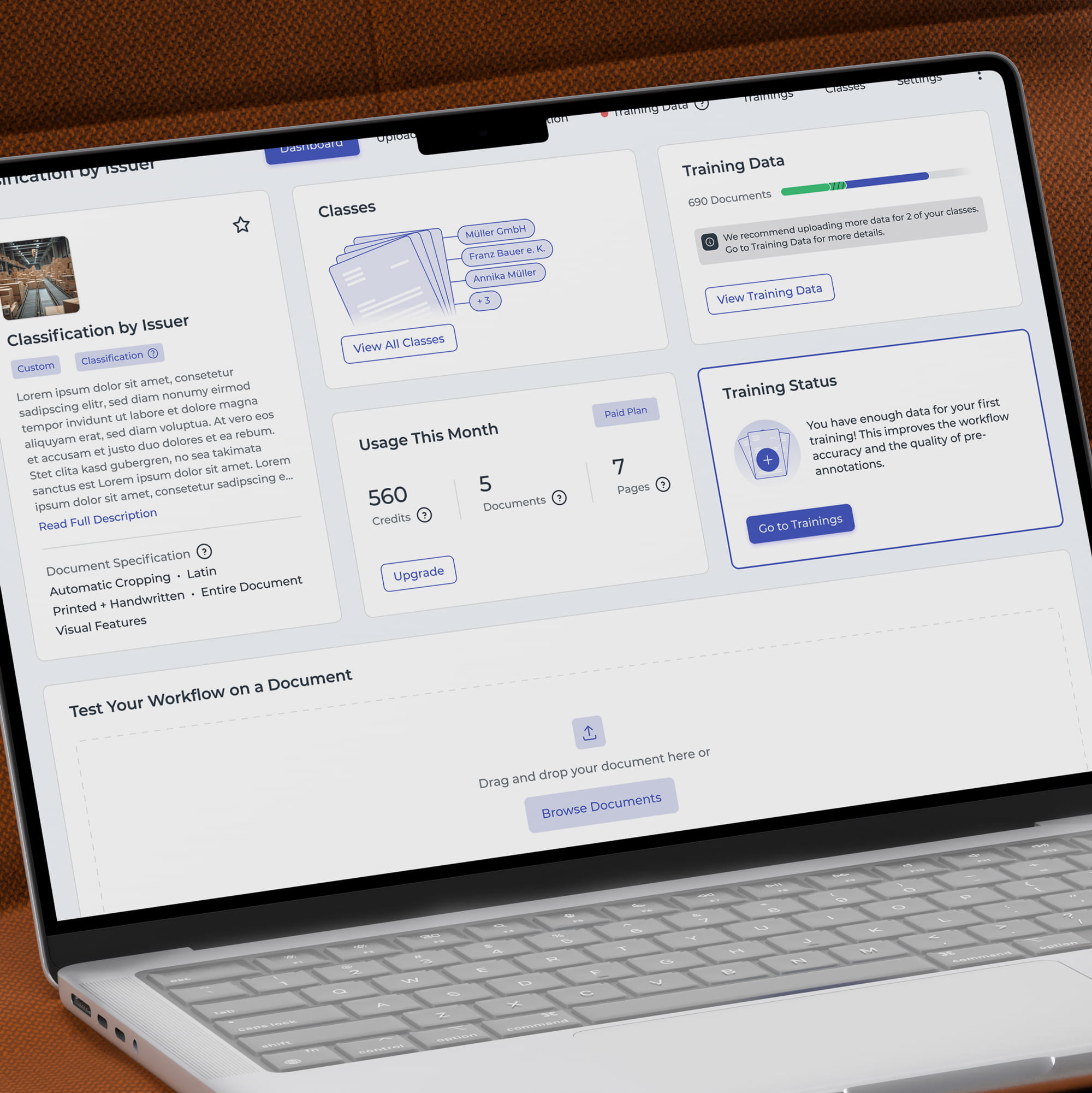
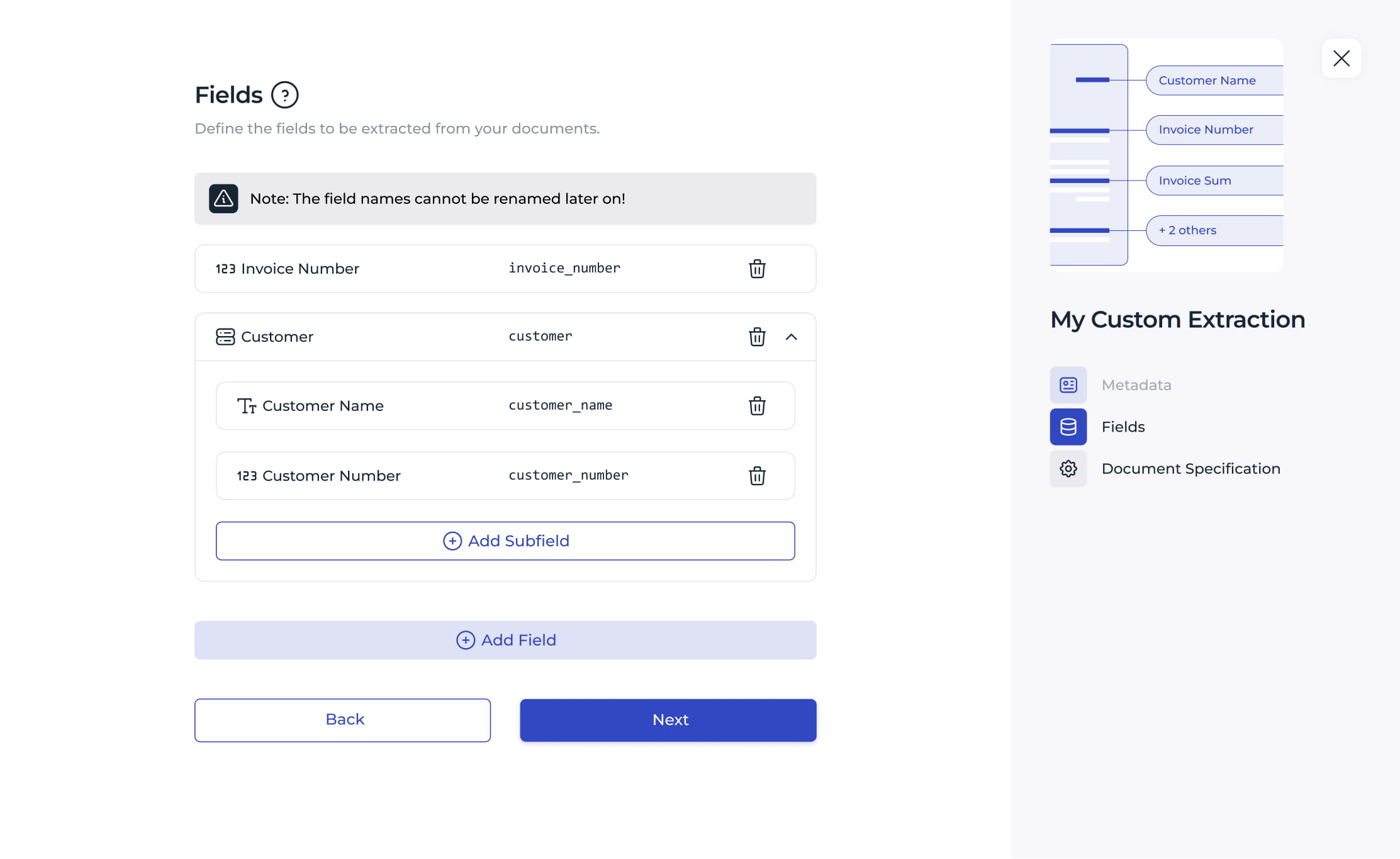
Highly dynamic
Interface adapting to workflow, configuration, and system state
Relevant tools and information surfaced contextually
Complex workflows kept flexible without overwhelming the workspace
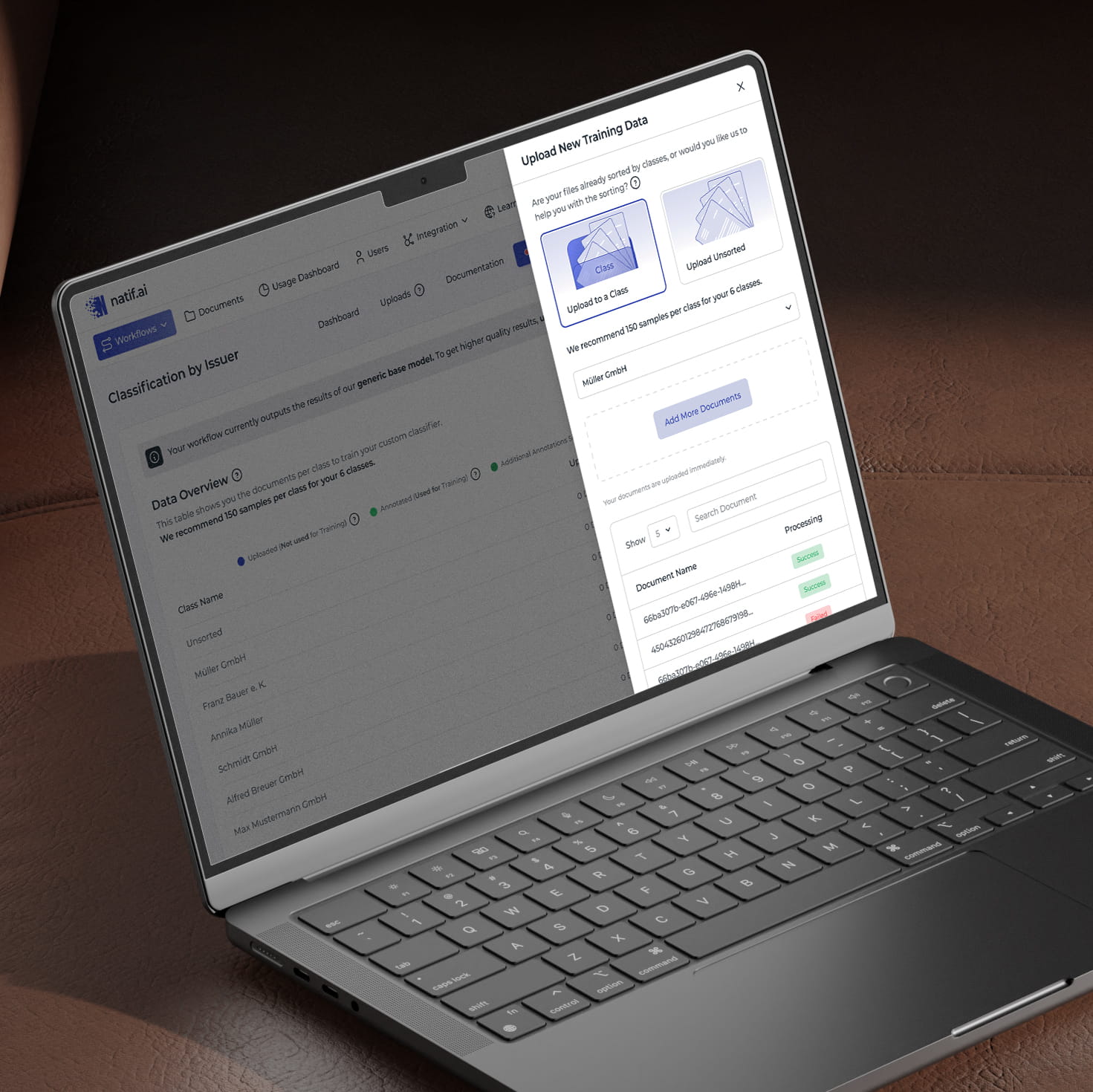
Guidance
Contextual guidance at critical decision points
Clear paths for new users without slowing down experienced users
Help integrated into the workflow instead of separated from it
Accessibility
Keyboard navigation, contrast, hierarchy, and clear interaction states
Accessible patterns considered as part of the core experience
Virtual keyboard supporting workflows without physical keyboard access
Impact
2.4× more new users trained at least one AI agent
37% reduction in time to first live workflow
Faster setup and clearer workflows from onboarding to advanced configuration
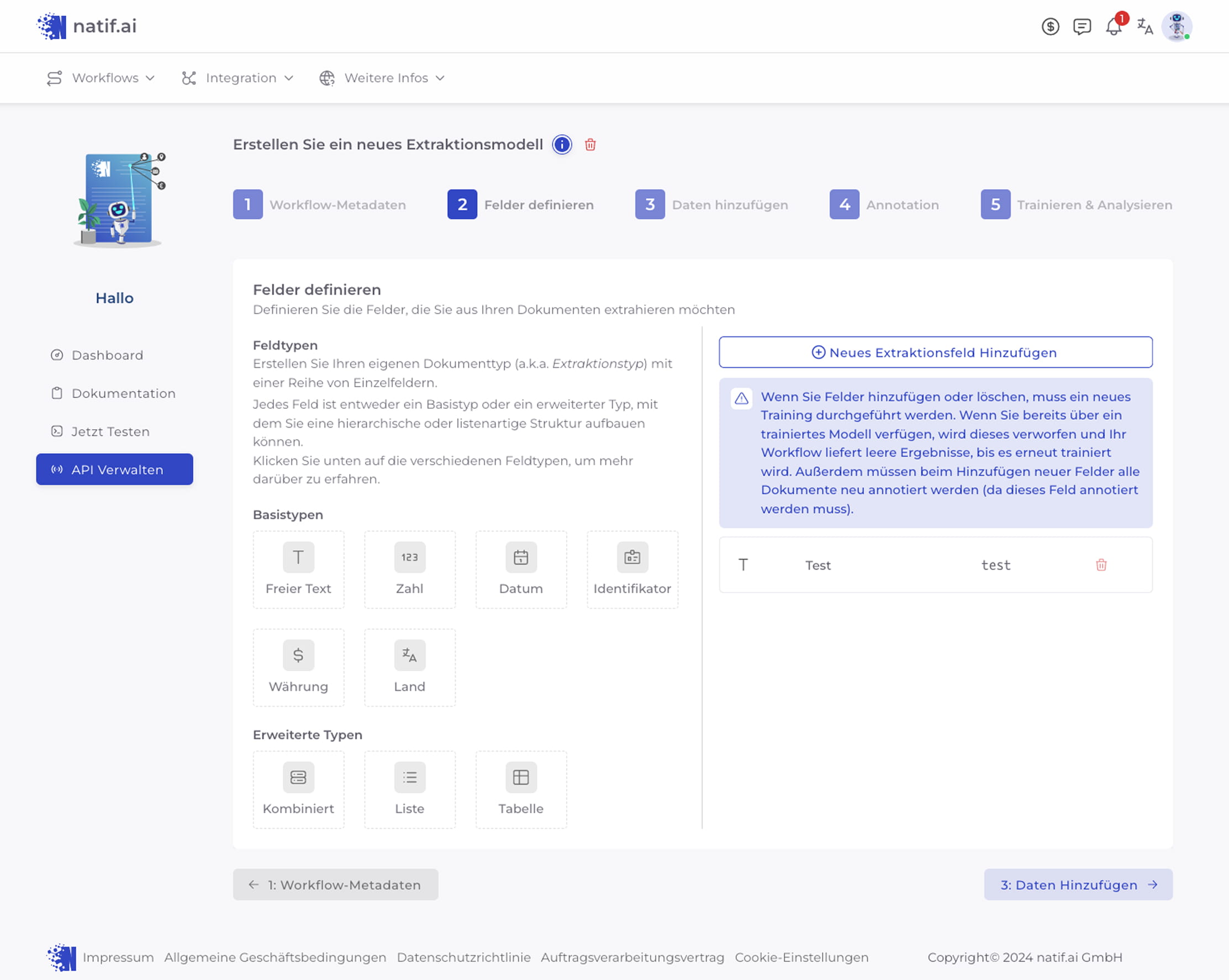
Press and hold to see the before
Press and hold to see the before
More work
Impressum
Angaben gemäß § 5 TMG
Daniel Sacharov
Peter-Eich-Str. 65
66386 Sankt Ingbert
Der Schutz Ihrer persönlichen Daten ist mir ein besonderes Anliegen.
Ich verarbeite personenbezogene Daten ausschließlich im Rahmen der gesetzlichen Bestimmungen der Datenschutz-Grundverordnung (DSGVO) sowie der geltenden nationalen Datenschutzgesetze.
Die maßgebliche Fassung steht auf der Seite Datenschutz.
Seitenaufrufe zählt der eigene Server, ohne Cookies und ohne einen externen Analysedienst.
3. Erhebung und Speicherung personenbezogener Daten
Beim Aufruf dieser Website werden durch den Hosting-Provider automatisch folgende Daten erhoben und temporär in sogenannten Server-Logfiles gespeichert:
IP-Adresse
Datum und Uhrzeit der Anfrage
Browsertyp und Browserversion
verwendetes Betriebssystem
Referrer-URL
aufgerufene Seite/Datei
Diese Daten sind technisch erforderlich, um die Website korrekt auszuliefern und die Systemsicherheit zu gewährleisten.
Eine Zusammenführung dieser Daten mit anderen Datenquellen erfolgt nicht.
Rechtsgrundlage: Art. 6 Abs. 1 lit. f DSGVO (berechtigtes Interesse an der sicheren und stabilen Bereitstellung der Website)
4. Cookies
Diese Website setzt keine Cookies. Einzelheiten stehen in der Datenschutzerklärung.
5. Tracking- und Analysetools
Aufrufe zählt der eigene Server, ohne Cookies. Was gespeichert wird, steht in der Datenschutzerklärung.
6. Externe Inhalte und Dienste
Schriftarten können von Google geladen werden. Der KI-Assistent auf der Startseite ist freiwillig. Beides ist in der Datenschutzerklärung beschrieben.
7. Kontaktaufnahme
Eine Kontaktaufnahme ist ausschließlich über die angegebenen Kontaktdaten (E-Mail oder Telefon) möglich.
Dabei werden die übermittelten personenbezogenen Daten nur zum Zweck der Bearbeitung der Anfrage gespeichert und nicht an Dritte weitergegeben.
Rechtsgrundlage: Art. 6 Abs. 1 lit. b DSGVO (Vertrag/Vorvertrag) oder Art. 6 Abs. 1 lit. f DSGVO (berechtigtes Interesse an Kommunikation)
Personenbezogene Daten werden nur so lange gespeichert, wie dies zur Erreichung des jeweiligen Zwecks erforderlich ist oder gesetzliche Aufbewahrungsfristen bestehen.
10. Rechte der betroffenen Person
Sie haben jederzeit das Recht auf:
Auskunft über Ihre gespeicherten Daten (Art. 15 DSGVO)
Berichtigung unrichtiger Daten (Art. 16 DSGVO)
Löschung Ihrer Daten (Art. 17 DSGVO)
Einschränkung der Verarbeitung (Art. 18 DSGVO)
Datenübertragbarkeit (Art. 20 DSGVO)
Widerspruch gegen die Verarbeitung (Art. 21 DSGVO)
Außerdem haben Sie das Recht auf Beschwerde bei der zuständigen Aufsichtsbehörde.
11. Datensicherheit
Diese Website nutzt technische und organisatorische Sicherheitsmaßnahmen, um Ihre Daten vor Manipulation, Verlust oder unbefugtem Zugriff zu schützen.
12. Aktualität und Änderung dieser Datenschutzerklärung
Die maßgebliche Fassung hat den Stand November 2026 und steht auf Datenschutz.
Ich behalte mir vor, diese Datenschutzerklärung anzupassen, um sie an rechtliche Anforderungen oder Änderungen der Website anzupassen.
 To Homepage